
Quick summary
Check whether one blind or several have failed, fit new remote batteries and look at the electrical panel without dismantling anything. Do not force the blind or open electrical connections. Note whether the motor hums, stops or stays silent.
Rather not touch it? Send a photo on WhatsApp and we'll tell you what's wrong and when we can come today, or call us.
First check: one blind or the whole system
If several blinds fail together, check for a power cut or tripped protection. If only one fails, its remote, switch, receiver, wiring or motor may be involved. Do not repeatedly reset a breaker that trips again.
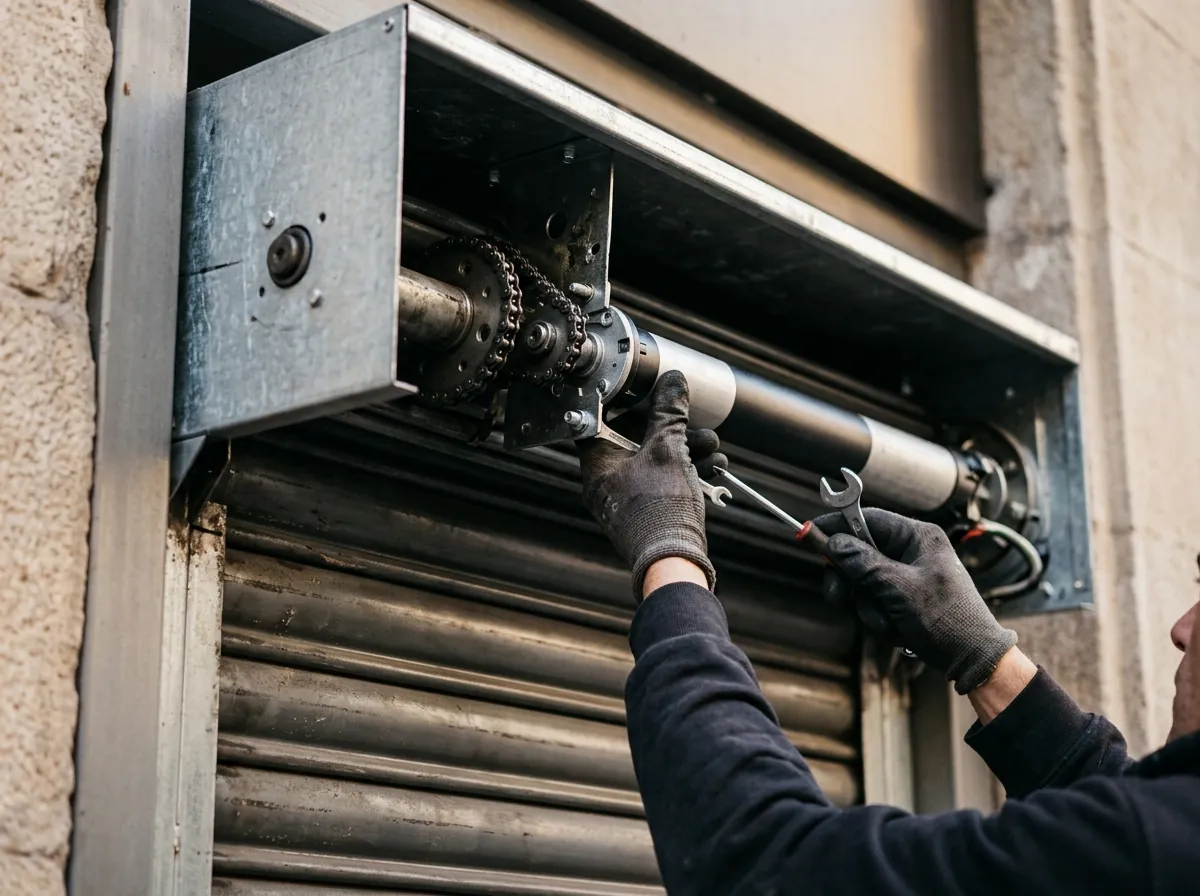
Safe remote-control checks
Fit fresh batteries in the correct direction and look for an indicator light. If you have another authorised remote, test it. Do not erase or reprogram every remote without the exact manufacturer procedure.
What motor noise can tell you
Total silence may indicate power, remote, receiver or motor trouble. Humming without movement may mean a mechanical jam or motor component fault. Stop trying if the blind does not move.
Useful information for the technician
Send photos of the blind, remote and wall switch, including any visible brand or reference. Explain what happened before the fault, whether there was a power cut and if the problem is intermittent.
When to call
Call if you smell burning, an electrical breaker trips, the motor overheats, the blind is stuck open or the shaft tries to turn while the blind is jammed.
Frequently asked questions
Can I pair the remote again myself?
It depends on the system. A wrong sequence can erase other remotes or travel limits. Use the exact model manual or request help.
Does a humming motor mean it is broken?
Not necessarily. The blind may be mechanically jammed or a starting component may have failed. Do not keep holding the control.
What should I do after a power cut?
Check the supply and try one brief command. Do not improvise programming sequences if settings or limits appear lost.
Is it urgent if the blind is stuck open?
If a home or shop cannot be secured, treat it as urgent and do not force the shaft or blind.